
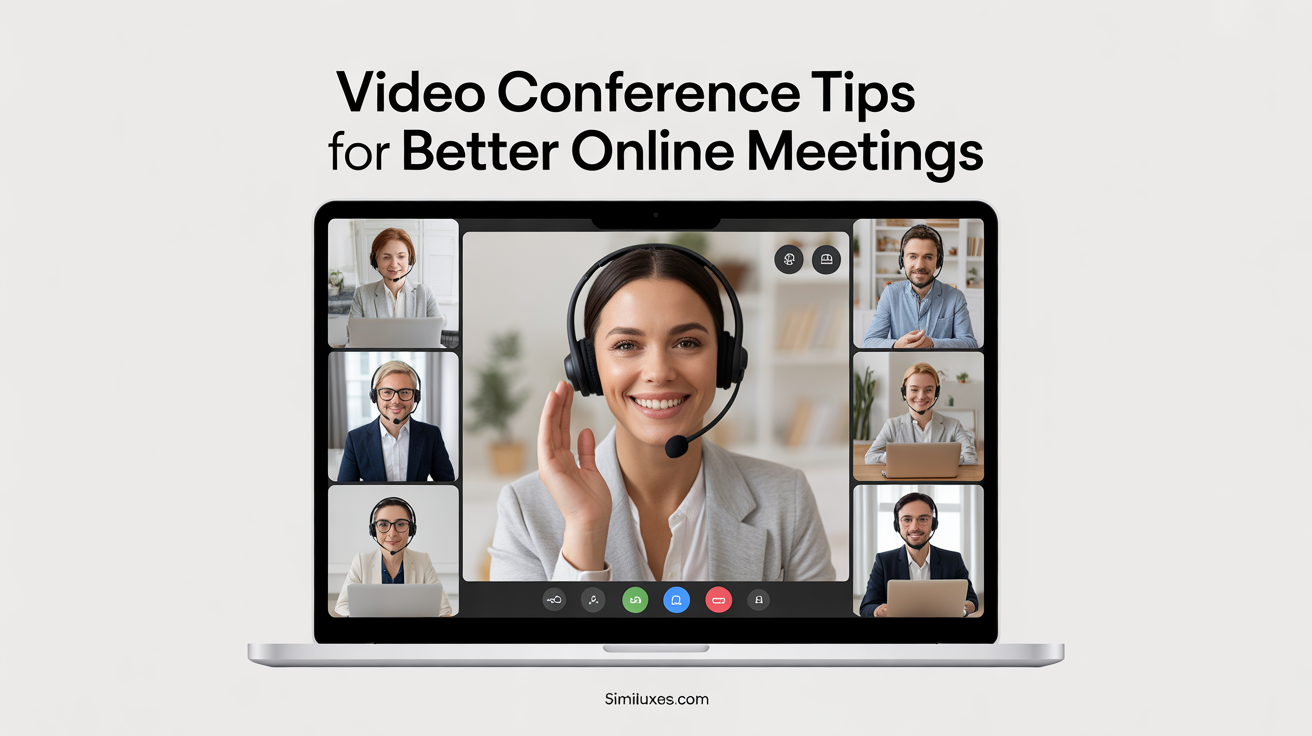

Video conferencing has become an essential part of modern communication, powering everything from daily team meetings to client calls, job interviews, and online classes.
As remote work and hybrid teams continue to grow, knowing the right video conference tips is no longer optional; it’s a professional necessity. A well-run virtual meeting depends on more than just logging into platforms like Zoom, Microsoft Teams, or Google Meet.
Factors such as your technical setup, meeting etiquette, communication style, and even lighting and background can directly impact how you’re perceived and how effective the meeting becomes. Poor audio, unclear visuals, or lack of engagement can quickly derail even the most important online meetings.
This article provides a complete, practical guide to video conferencing best practices, covering preparation, professionalism, productivity, and security. If you’re a remote employee, manager, freelancer, or student, these tips will help you run smoother, more engaging, and more productive video meetings.
Understanding Video Conferencing
Video conferencing refers to real-time visual and audio communication between two or more participants using internet-enabled devices. Unlike simple phone calls, video meetings allow participants to see facial expressions, body language, and visual cues, making communication more personal and effective. Today, video conferencing is widely used for online meetings, virtual collaboration, webinars, and remote learning.
Popular platforms such as Zoom, Microsoft Teams, Google Meet, and Skype have made video calls accessible to businesses, educators, and individuals worldwide. These tools offer features like screen sharing, chat messaging, recording, and breakout rooms, which help teams collaborate efficiently even when working from different locations.
As remote and hybrid work environments become the norm, video conferencing is no longer just a backup communication method, it’s a primary one. Understanding how video conferencing works and how different platforms support communication is the first step toward running professional, productive, and engaging virtual meetings.
Preparing for a Successful Video Conference
Preparation is one of the most important video conference tips for ensuring smooth and professional online meetings. A reliable technical setup should be your first priority. Start with a stable internet connection to avoid lag, frozen screens, or dropped calls. Use a quality webcam positioned at eye level and an external microphone or headphones to deliver clear audio without background noise or echo.
Lighting and background also play a major role in how you appear on screen. Position yourself facing a light source to avoid shadows, and choose a clean, distraction-free background or a professional virtual background when appropriate. Before joining the meeting, test your audio and video settings, close unnecessary applications, and silence notifications.
Taking a few minutes to prepare not only prevents technical issues but also sets a professional tone. Proper preparation helps you stay focused, confident, and ready to engage effectively in any video meeting.
Professional Video Conference Etiquette
Practicing proper video conference etiquette helps create a respectful and professional meeting environment. Start with your appearance and dress appropriately for the meeting type, If it’s a formal client call or an internal team meeting. Being punctual is equally important; joining a few minutes early allows time to resolve last-minute technical issues.
During the meeting, follow basic mute etiquette by keeping your microphone muted when you’re not speaking to reduce background noise. Turn your camera on when appropriate, as it encourages engagement and builds trust, especially in collaborative or client-facing meetings. Avoid multitasking, checking your phone, or typing loudly, as these distractions are noticeable in virtual settings.
Use the chat feature thoughtfully for quick comments or questions without interrupting the speaker. Showing attentiveness through nodding, eye contact with the camera, and active listening helps maintain professionalism and keeps video meetings productive and respectful for everyone involved.
Communication Skills for Video Meetings
Strong communication skills are essential for successful video meetings, where visual and audio cues can be limited by screen size and technology. Speak clearly and at a steady pace to ensure your message is easily understood, especially when there may be slight delays or lag. Avoid talking over others and allow brief pauses so participants have time to respond.
Maintaining eye contact by looking into the camera helps create a sense of connection and confidence. Sit upright, use positive body language, and keep your gestures natural and within the camera frame. Facial expressions also play a key role in conveying engagement and understanding during virtual conversations.
Active listening is just as important as speaking. Acknowledge points made by others, ask clarifying questions, and use verbal cues or reactions to show attentiveness. Practicing clear, respectful communication improves collaboration, reduces misunderstandings, and makes video conferences more effective and engaging for all participants.
Running Productive and Engaging Online Meetings
Productive video meetings require structure, focus, and active participation. Start by creating a clear meeting agenda that outlines the purpose, key discussion points, and time limits for each topic. Sharing the agenda in advance helps participants come prepared and keeps the meeting on track. During the call, assign a facilitator to guide the discussion and manage time effectively.
Encouraging participant engagement is another critical video conference tip. Ask direct questions, invite quieter attendees to share their thoughts, and use features like polls, reactions, or breakout rooms to promote interaction. Screen sharing can also help keep attention focused when reviewing documents or presentations.
Finally, wrap up the meeting with a brief summary of key takeaways, decisions, and assigned action items. Clear follow-ups and documented notes ensure accountability and turn virtual discussions into measurable outcomes.
Video Conference Tips for Presentations
Delivering presentations during video conferences requires extra attention to clarity and engagement. Begin by preparing your slides in advance and keeping them visually clean, with minimal text and clear visuals. When using screen sharing, close unnecessary applications and notifications to avoid distractions and maintain a professional appearance.
Speak with confidence and vary your tone to keep your audience engaged. Since attention spans can be shorter in virtual settings, use storytelling, real-life examples, and brief pauses to emphasize key points. Maintain eye contact with the camera rather than the slides to create a stronger connection with participants.
For interactive sessions, encourage questions through the chat or schedule dedicated Q&A time. Managing questions effectively and acknowledging audience input helps maintain engagement and ensures your virtual presentation feels dynamic, organized, and impactful.
Security, Privacy, and Host Controls
Security is a critical but often overlooked aspect of video conferencing. To protect your online meetings, always use meeting passwords and enable waiting rooms so only authorized participants can join. For sensitive discussions, locking the meeting after all attendees have arrived adds an extra layer of protection.
Hosts should make full use of host controls to manage the session effectively. Limit screen sharing permissions, mute participants when necessary, and remove disruptive attendees if needed. These controls help maintain focus and prevent unwanted interruptions during important meetings.
Privacy is equally important, especially when meetings are recorded. Always inform participants before recording and store recordings securely. Avoid sharing meeting links publicly and be mindful of the information visible on your screen. Following these security and privacy best practices ensures your video conferences remain professional, safe, and compliant.
Video Conference Tips for Specific Use Cases
Different video conferencing scenarios require different approaches. For team meetings, focus on collaboration by encouraging open discussion, using shared documents, and ensuring every team member has a chance to contribute. Regular check-ins and clear action items help keep remote teams aligned.
During client calls, professionalism is key. Maintain a confident tone, minimize distractions, and actively listen to client needs. Clear communication and good video conference etiquette help build trust and strengthen business relationships.
For job interviews, first impressions matter. Test your technical setup in advance, dress professionally, and maintain eye contact with the camera when answering questions. In online classes or training sessions, engagement is essential, use interactive tools, ask questions frequently, and set clear participation guidelines. Tailoring your approach to each use case makes video meetings more effective and goal-driven.
Common Video Conferencing Mistakes to Avoid
Even experienced professionals can fall into common video conferencing pitfalls. One of the most frequent mistakes is poor audio quality, often caused by weak internet connections or using built-in microphones in noisy environments. Distracting or cluttered backgrounds can also pull attention away from the conversation and reduce professionalism.
Another common issue is multitasking during meetings. Checking emails, typing loudly, or responding to messages can make you appear disengaged and lead to missed information. Speaking over others or failing to follow basic mute etiquette can quickly disrupt the flow of a virtual meeting.
Overlong meetings without a clear agenda are another major problem. When discussions lack structure, productivity suffers. Avoid these mistakes by preparing in advance, staying focused, and respecting participants’ time. Addressing these issues helps create smoother, more effective video conferences.
Advanced Video Conference Tips
Once you’ve mastered the basics, advanced video conference tips can further improve efficiency and professionalism. Learn and use keyboard shortcuts available in platforms like Zoom or Microsoft Teams to mute, unmute, or share screens quickly without interrupting the flow of the meeting. Recording meetings when appropriate can be useful for documentation, training, or team members who couldn’t attend.
Integrating productivity tools such as shared calendars, task managers, or collaboration apps can streamline follow-ups and accountability. Some platforms also provide analytics, such as attendance reports or engagement insights, which can help hosts improve future meetings.
Finally, consider repurposing recorded meetings into summaries, training clips, or knowledge resources. Using advanced features thoughtfully helps transform video conferencing from a basic communication tool into a powerful productivity and collaboration asset.
Future of Video Conferencing
The future of video conferencing is evolving rapidly as technology and work habits continue to change. Artificial intelligence is increasingly being integrated into video meeting platforms, offering features such as real-time transcription, automated meeting summaries, noise cancellation, and smart camera framing. These advancements aim to improve accessibility, clarity, and overall meeting efficiency.
As hybrid work becomes more common, video conferencing will play an even larger role in connecting in-office and remote employees seamlessly. Organizations are also placing greater emphasis on improving virtual collaboration experiences, focusing on engagement, inclusivity, and work-life balance.
With continuous innovation and growing reliance on digital communication, video conferencing is set to remain a core business and education tool. Staying updated on trends and best practices will help professionals adapt and communicate effectively in the years ahead.
Conclusion
Effective video conferencing is about more than just turning on a camera it’s about preparation, communication, professionalism, and security.
By applying the right video conference tips, you can create smoother, more engaging, and more productive online meetings across a wide range of scenarios. From optimizing your technical setup and practicing proper meeting etiquette to improving communication skills and safeguarding privacy, each step plays an important role in virtual success.
As remote and hybrid work environments continue to grow, strong video conferencing habits will remain a valuable professional skill.
If you’re leading team meetings, presenting to clients, attending interviews, or participating in online classes, these best practices can help you communicate with confidence and clarity. Start implementing these tips today to transform your video meetings into focused, professional, and effective interactions.